

🧬 BREEDING IN ARK
Breeding allows you to create dinosaurs with the best stats, search for mutations and gradually develop increasingly high-performing bloodlines.
With the mods available on WAK, breeding can be largely automated.
The three main tools are:
🥚 CS Hatchery → collecting and incubating eggs
🧬 CS Propagator → breeding directly with dinosaurs in cryo
❄️ Cryo Terminal → retrieval and management of hatchlings, with the option to raise them in cryo depending on the server configuration.
🧬 1. THE CS PROPAGATOR
The Propagator CS is at the heart of modded breeding.
It allows you to place dinosaurs in cryopods directly within the structure and start breeding without having to take all the dinosaurs out of the base.
⚙️ How does it work?
Place:
1 male + several females
into the Propagator CS.
The Propagator allows you to select creatures and start breeding directly from its interface. It can use up to 98 cryopods simultaneously in its standard configuration, with one slot reserved for the Element and one slot required for the eggs.
🔥 Huge advantage
You no longer need to have:
❌ 50 Rexes outside
❌ 50 cryopods placed on the ground
❌ a huge breeding room
Everything can be managed directly from the Propagator.
🧬 2. CHOOSING YOUR PARENTS
To start a good lineage, you need to select the best parents.
Example:
Male Rex
❤️ HP: excellent
⚔️ Melee: excellent
- ●
Rex females
❤️ HP: excellent
⚔️ Melee: excellent
➡️ Breeding
The aim is to combine the best stats within the same bloodline.
🔭 TIP
Use Awesome Spyglass to compare stats before you start breeding.
🧬 3. MUTATIONS
Mutations allow you to obtain new stats and colours.
With the CS Propagator, the breeding options let you manage mutations and the number of mutations per breeding cycle.
⚠️ Please note:
A mutation does not automatically mean that the baby will be better.
You need to check:
- ❤️ HP
- ⚔️ Melee
- ⚡ Stamina
- ⚖️ Weight
- 🧬 number of mutations
- 🎨 colour, if you’re also looking for colour mutations
🥚 4. EGGS
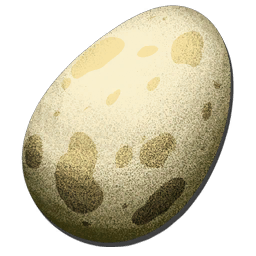
Once breeding is complete, the Propagator produces the eggs.
These eggs can be kept in the Propagator or sent to the CS Hatchery.
🥚 5. CS HATCHERY
The CS Hatchery automates a large part of the work.
It can:
- 🥚 automatically collect fertilised eggs;
- 🔥 incubate the eggs;
- 🦖 provide the Oviraptor bonus to nearby dinosaurs;
- ⚡ operate using its power supply system.
⚠️ Important
The CS Hatchery does not fully incubate the egg.
It incubates it to around 1 per cent, after which you can manage the hatching process according to your setup.
🐣 6. HATCHING THE CHICK
Once the egg is ready:
🥚 Egg → 🐣 Chick
This is where the Cryo Terminal becomes extremely useful.
❄️ 7. CRYO TERMINAL
Pelayori’s Cryo Storage adds a Cryo Terminal, which, amongst other things, automatically retrieves babies from its area.
⚙️ How it works
Place the Cryo Terminal in your breeding area.
When a baby appears in its area:
🐣 Baby
⬇️
❄️ Cryo Terminal
⬇️
📦 Baby captured in cryo
This prevents you from having dozens of babies scattered all over the base.
The mod also offers settings to manage the terminal’s behaviour.
🍼 8. BABIES GROW UP IN CRYO
🔥 This is one of the system’s most interesting features.
With the appropriate configuration of the Cryo Terminal / cryochambers, babies can continue to grow whilst stored in cryo.
Updates to Pelayori’s Cryo Storage explicitly mention babies growing in cryochambers, including, in particular, corrections to their displayed growth stage: baby → juvenile → adolescent.
So:
🐣 Baby
⬇️
❄️ Captured automatically
⬇️
⏳ Growth
⬇️
🍼 Juvenile
⬇️
🦖 Adolescent
⬇️
🔥 Adult
🍖 9. FOOD
Even if the baby is in cryo, check the server/mod settings regarding food.
For standard breeding:
Carnivores 🦖
🍖 Meat
Herbivores 🦕
🌿 Berries / vegetables
Dinosaurs requiring specialised food
🍖 Specific food depending on the species.
If a Nanny is also used on WAK, it can automate part of the feeding and imprinting process, depending on the mod/configuration used.
❤️ 10. IMPRINTING
Imprinting helps to boost the adult dino’s performance when carried out correctly.
During growth, keep an eye on:
🍼 Imprinting
and fulfil the requests when they appear.
⚠️ Imprinting functions may vary depending on mods and server settings.
🏆 11. THE WAK METHOD FOR CLEAN BREEDING
🧬 STEP 1
Find the best dinosaurs.
⬇️
🔭 STEP 2
Compare their stats using Awesome Spyglass.
⬇️
❄️ STEP 3
Put the parents in the cryopods.
⬇️
🧬 STEP 4
Place them in the CS Propagator.
⬇️
🥚 STEP 5
Start the breeding process.
⬇️
🥚 STEP 6
The eggs are collected by the CS Hatchery.
⬇️
🐣 STEP 7
Leave the eggs to hatch.
⬇️
❄️ STEP 8
The Cryo Terminal collects the chicks.
⬇️
⏳ STEP 9
The chicks grow up in cryo if this option is enabled.
⬇️
🦖 STEP 10
Retrieve the adults and select the best ones.
🔥 FOR MUTATION BREEDING
The cycle becomes:
Parents → Propagator → Eggs → Hatchery → Baby → Cryo → Growth → Selection → New breeding
And we start again until we obtain the desired bloodline.
⚠️ MISTAKES TO AVOID
❌ Not checking the parents’ stats.
❌ Mixing several bloodlines without knowing which stats you’re looking for.
❌ Keeping all the babies without selecting any.
❌ Forgetting to check for mutations.
❌ Not checking that cryo-growth is enabled on the server.
❌ Putting different species into a Propagator designed for a single species: the CS Propagator only works with one type of animal at a time.
🧬 SUMMARY
Mod
Function
CS Propagator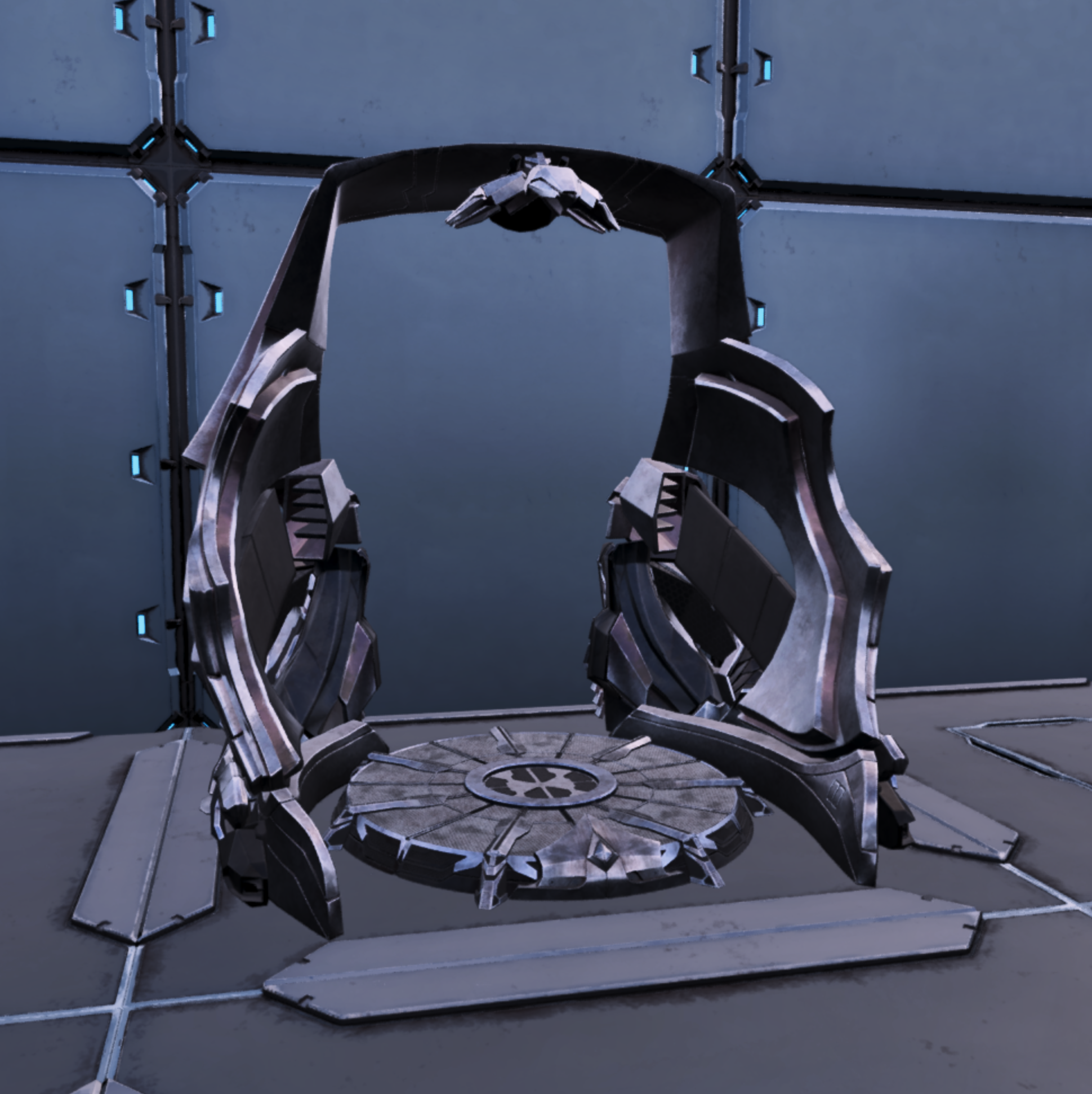
Breeding directly with cryos
CS Hatchery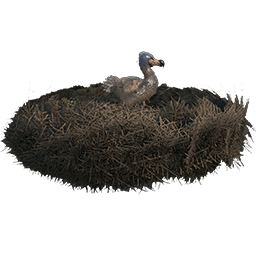
collects and incubates the eggs
Cryo Terminal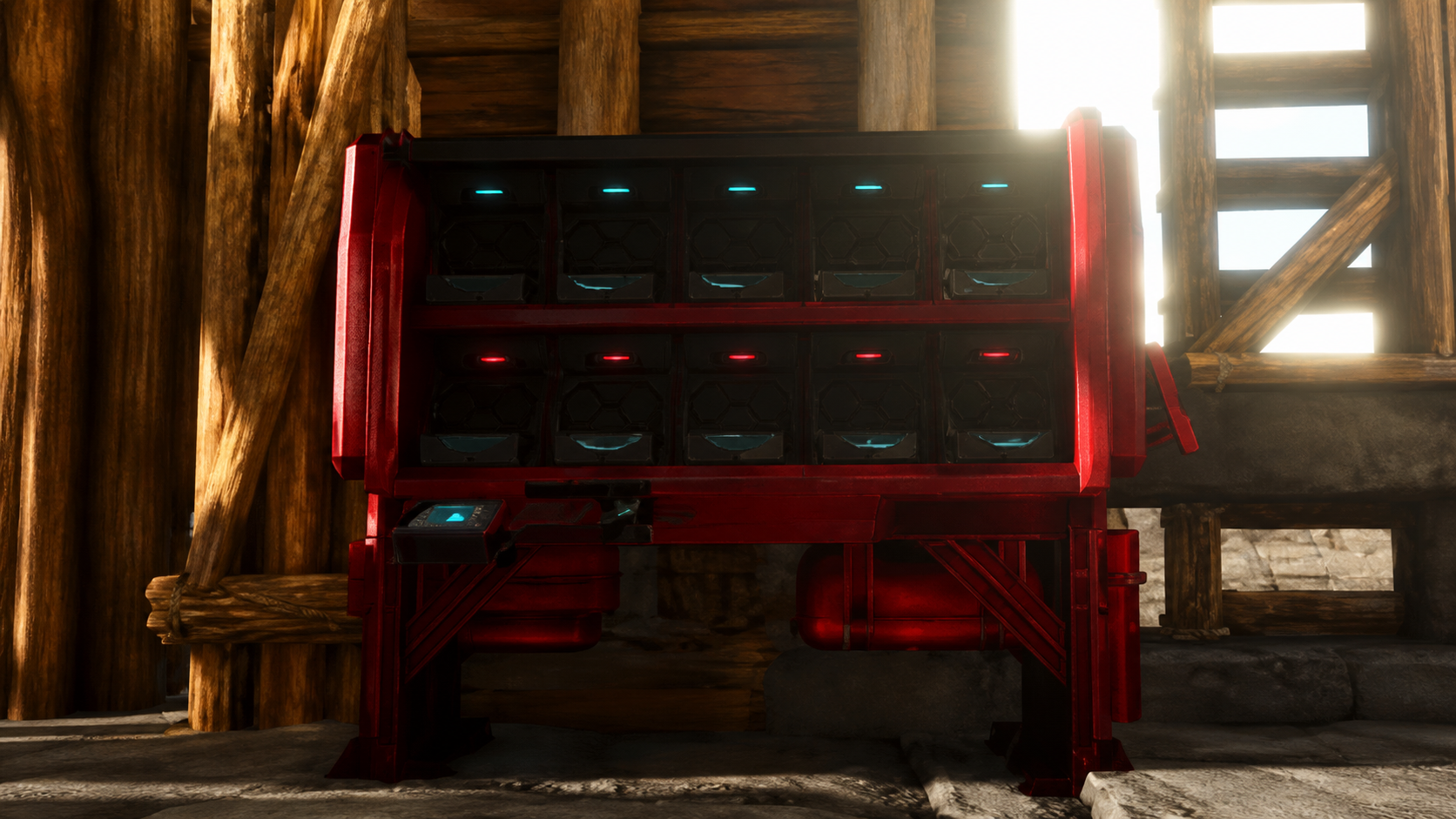
Captures and manages baby dinosaurs
Awesome Spyglass
checks stats
Nanny
Food / imprinting depending on settings