

How do I create a ticket via Discord?
If you’re having a problem on the WAK server, need help or want to contact the staff, you can create a Discord ticket.
1. Join the WAK Discord
Go to the official WAK Discord server.
2. Find the tickets category
In the Discord channels, look for the channel dedicated to tickets. There you’ll find the system for contacting the staff.

3. Create your ticket
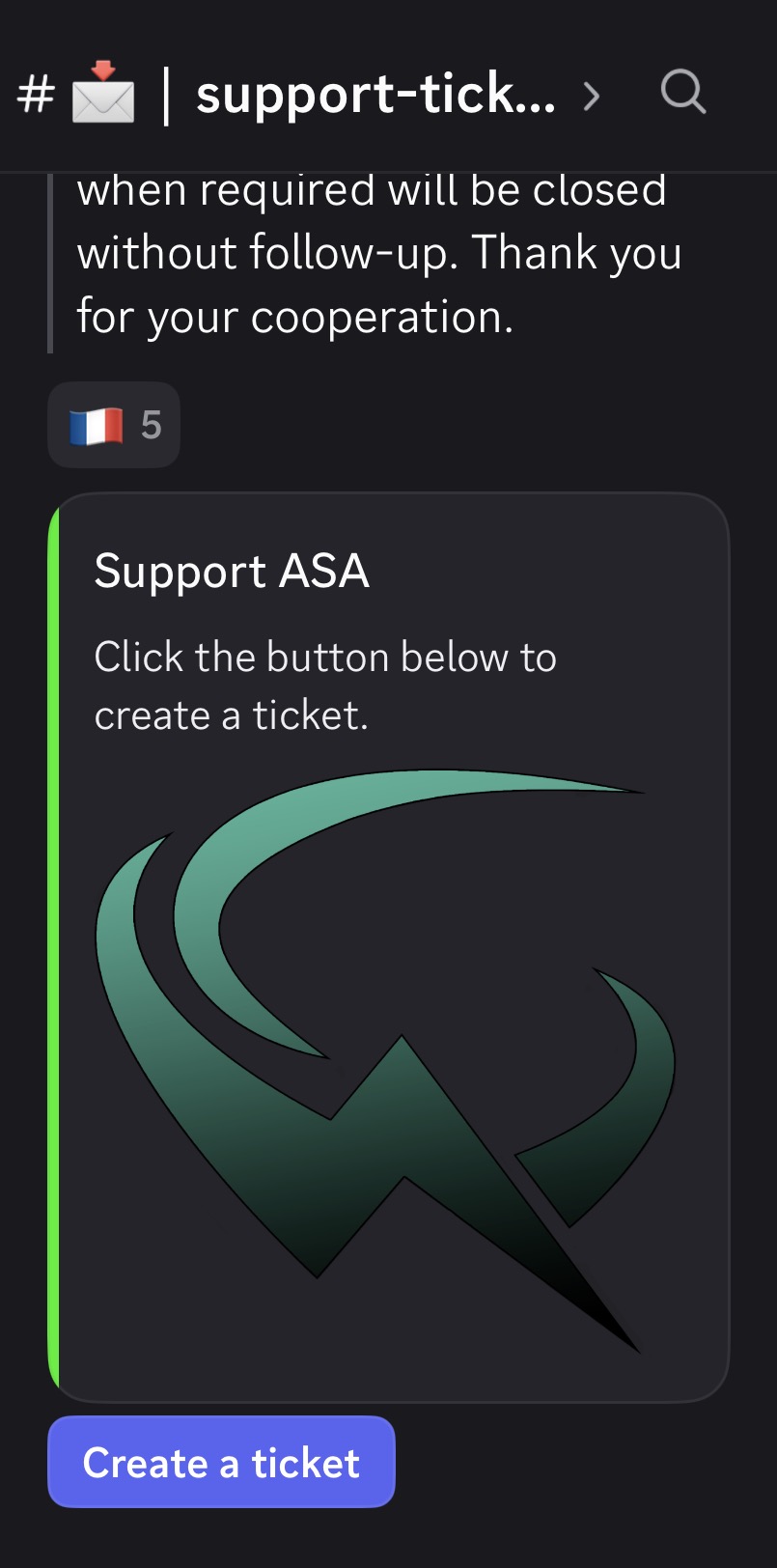
Click on the button to open a ticket, then select the category that matches your enquiry.
For example:
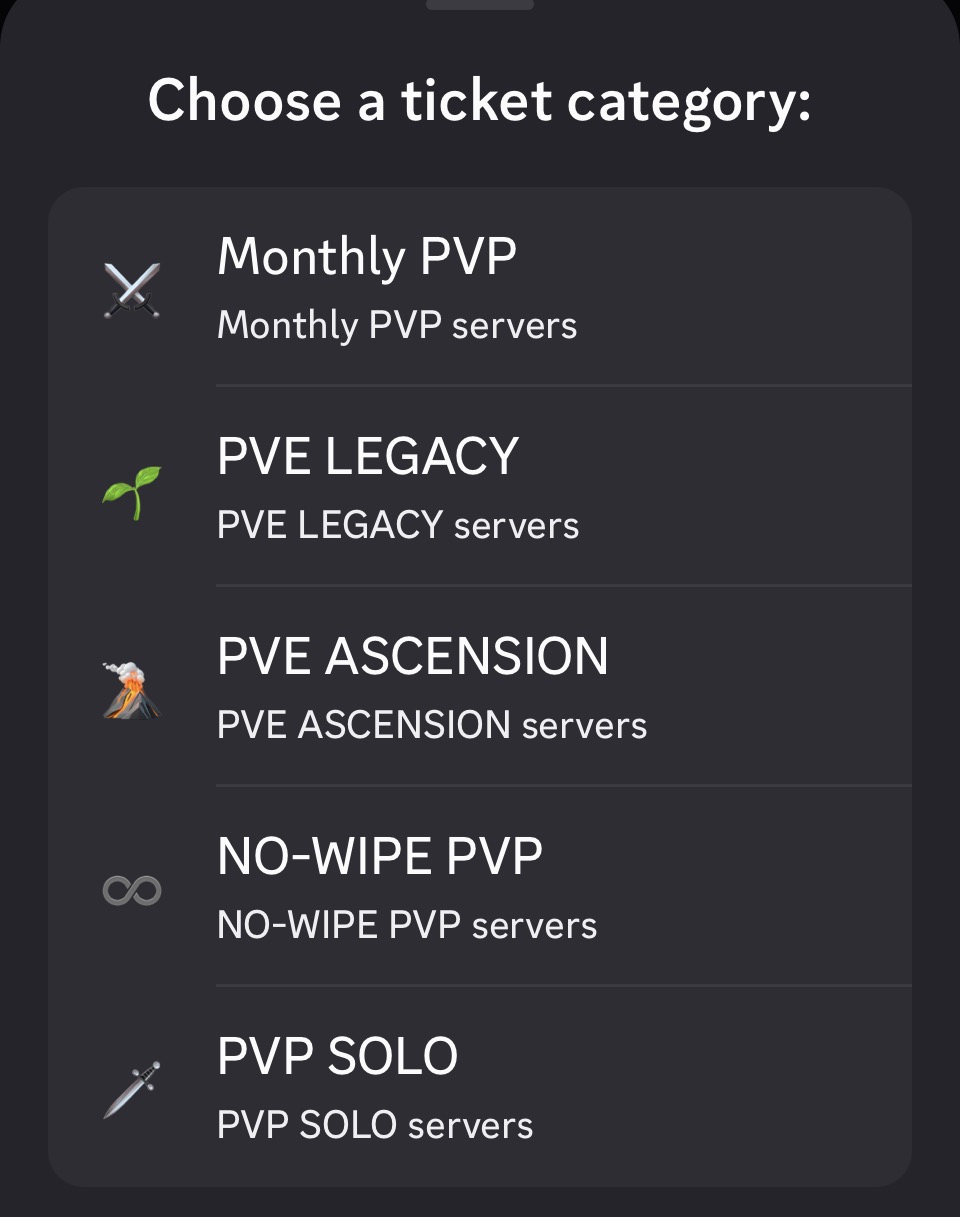
- Select the cluster you are currently playing on.
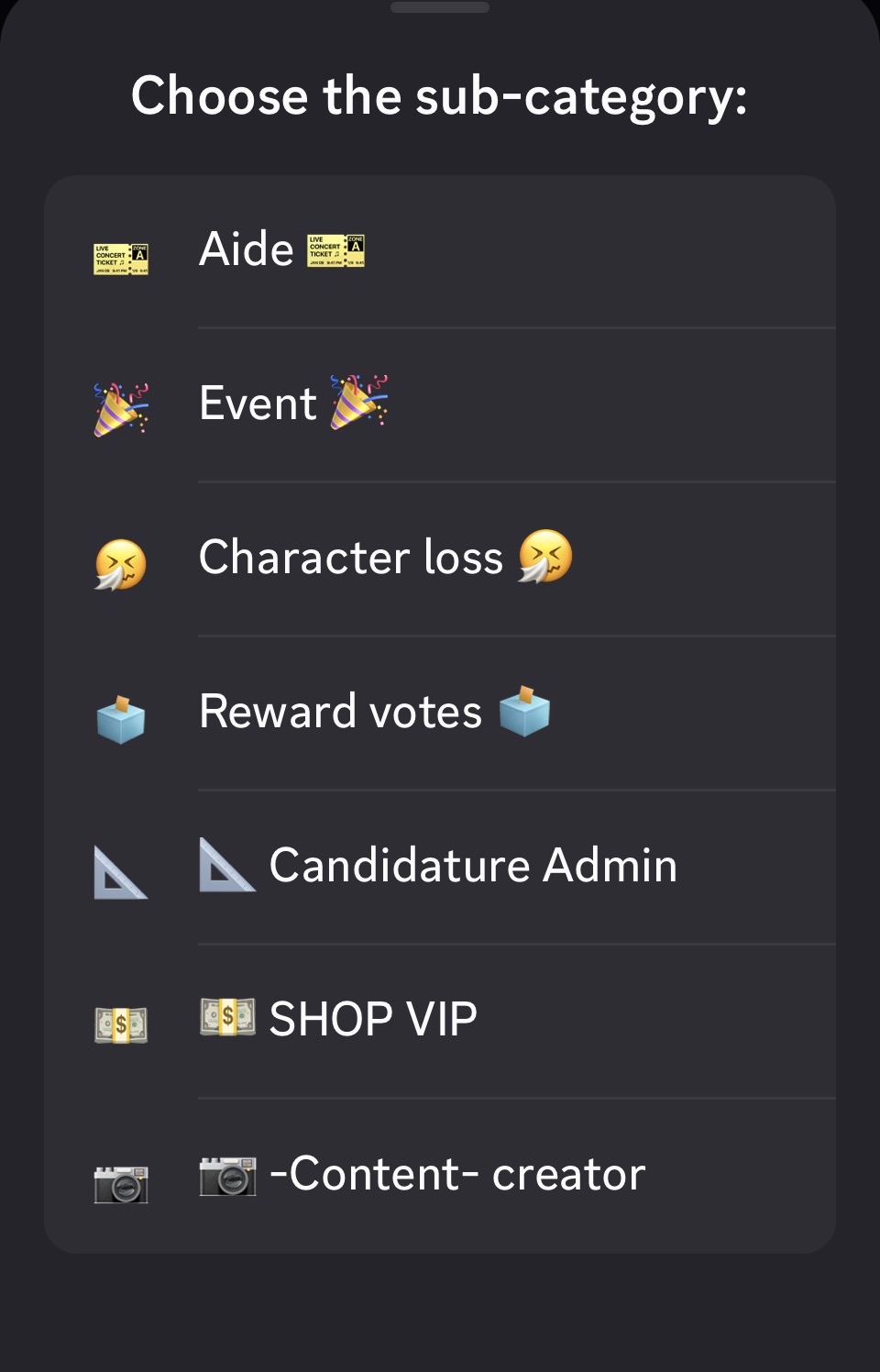
- Select the issue relating to your ticket.
For PvP: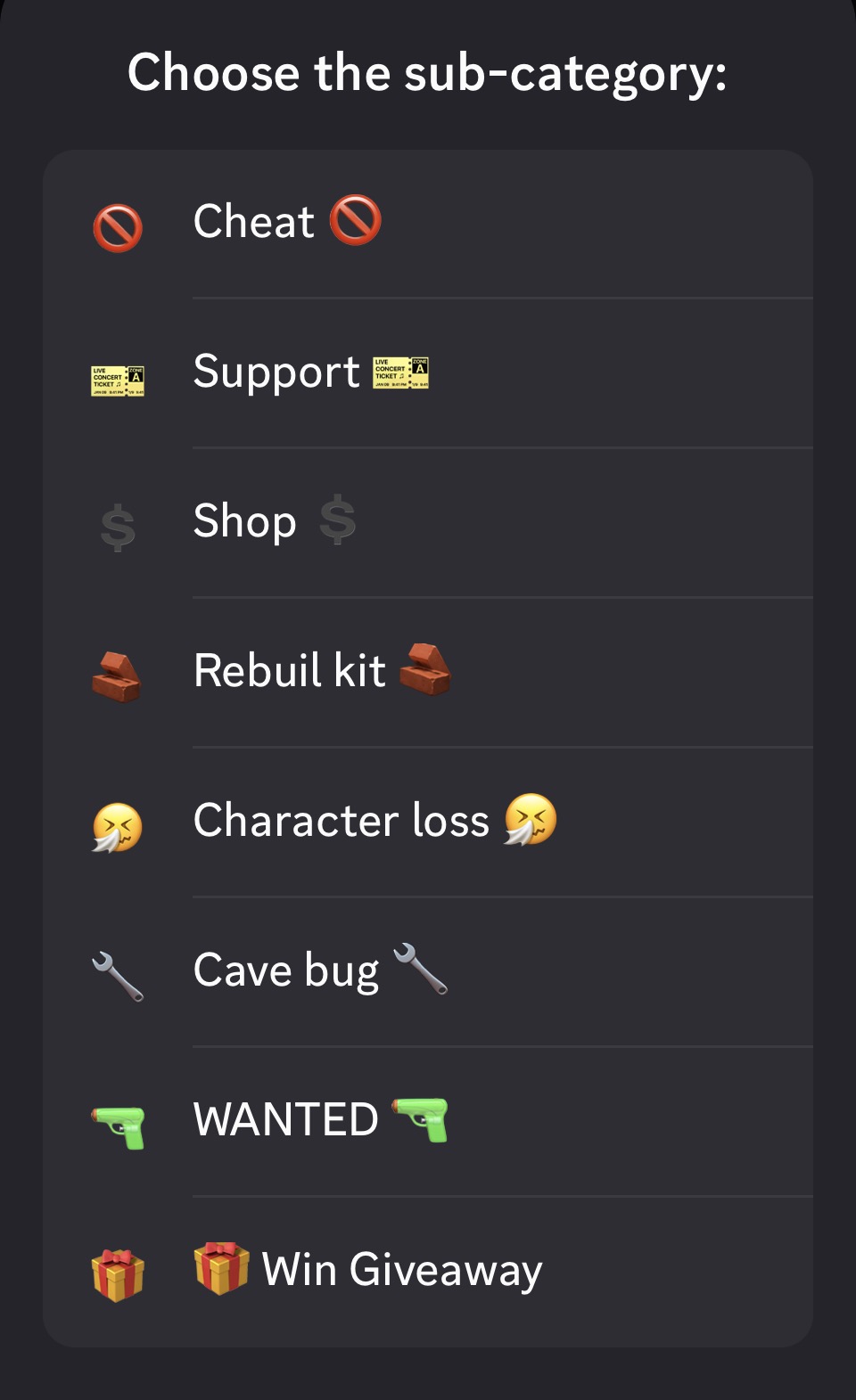 For PvE:
4. Explain your problem clearly
Once the ticket has been created, explain exactly what you need.
Remember to include:
- YOUR EOSID
- YOUR CHARACTER NAME
- YOUR CLAN NAME
- The issue you’re experiencing
- Important details
- Evidence if necessary (screenshots, videos, etc.)
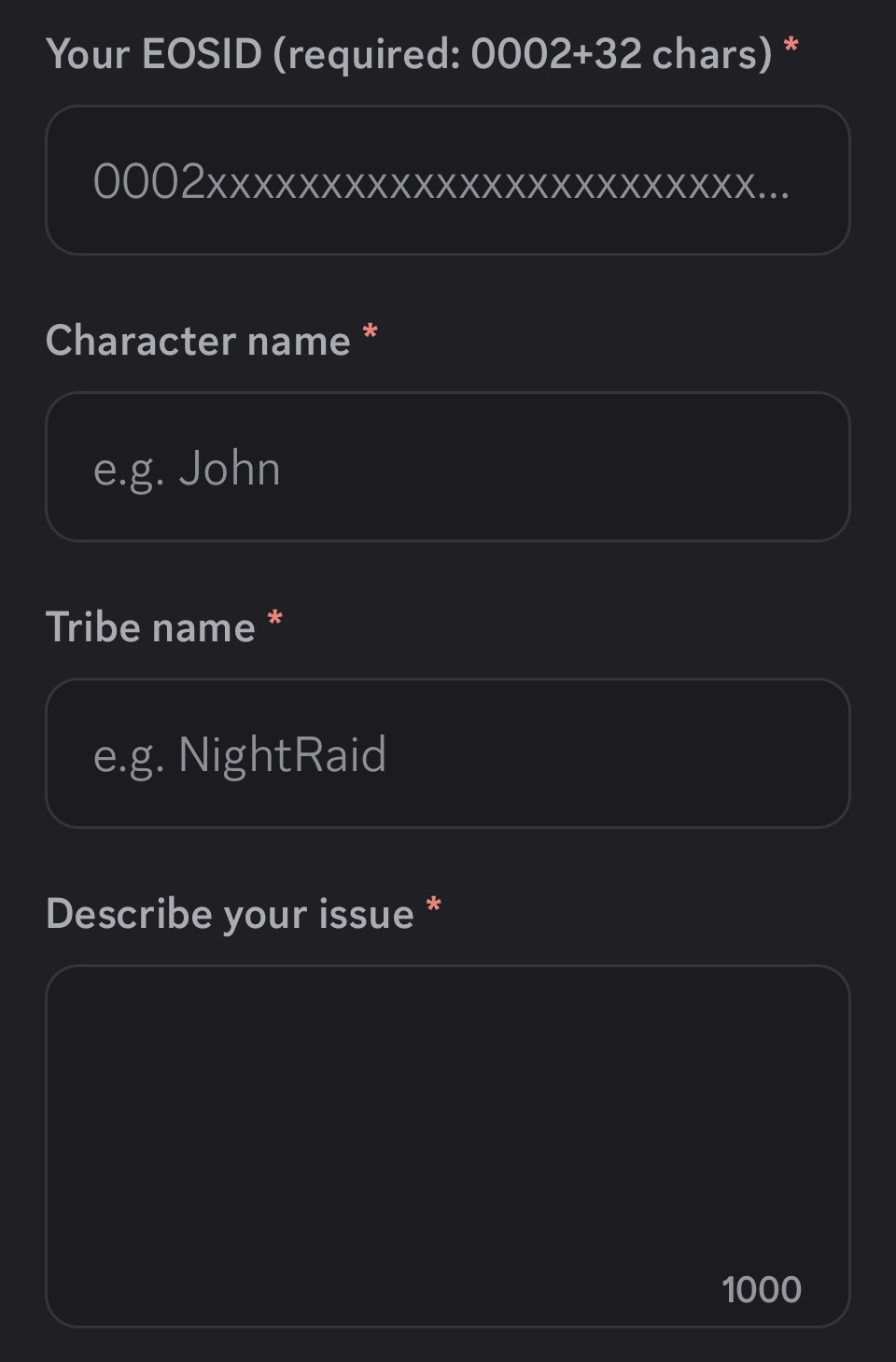
The more specific your request is, the easier it will be for the staff to help you.
5. Wait for a reply from the staff
Once you’ve submitted your ticket, wait for a member of staff to take charge of your request.
Please avoid tagging multiple staff members or creating multiple tickets for the same issue.
Once your issue has been resolved, the staff will close the ticket.